

About This Course
What You Will Learn
Course Curriculum
Module 1: Introduction to UI/UX Design and Design Thinking
Module lessons, practice tasks, and review sessions are covered during this stage.
Module 2: Understanding UI Design, UX Design and Product Design
Module lessons, practice tasks, and review sessions are covered during this stage.
Module 3: User-Centred Design Process and UX Principles
Module lessons, practice tasks, and review sessions are covered during this stage.
Module 4: User Research Methods and Competitor Analysis
Module lessons, practice tasks, and review sessions are covered during this stage.
Module 5: User Interviews, Surveys and Research Planning
Module lessons, practice tasks, and review sessions are covered during this stage.
Module 6: User Personas, Empathy Maps and User Stories
Module lessons, practice tasks, and review sessions are covered during this stage.
Module 7: Customer Journey Maps and User Experience Flows
Module lessons, practice tasks, and review sessions are covered during this stage.
Module 8: Information Architecture and Content Organisation
Module lessons, practice tasks, and review sessions are covered during this stage.
Module 9: Sitemap Creation and Navigation Design
Module lessons, practice tasks, and review sessions are covered during this stage.
Module 10: Sketching and Low-Fidelity Wireframing
Module lessons, practice tasks, and review sessions are covered during this stage.
Module 11: Introduction to Figma and Workspace Setup
Module lessons, practice tasks, and review sessions are covered during this stage.
Module 12: Figma Frames, Layers, Shapes and Design Tools
Module lessons, practice tasks, and review sessions are covered during this stage.
Module 13: Typography, Colour Theory and Visual Hierarchy
Module lessons, practice tasks, and review sessions are covered during this stage.
Module 14: Grid Systems, Spacing, Alignment and Layout Principles
Module lessons, practice tasks, and review sessions are covered during this stage.
Module 15: Components, Variants and Auto Layout in Figma
Module lessons, practice tasks, and review sessions are covered during this stage.
Module 16: Icons, Images and Interface Design Elements
Module lessons, practice tasks, and review sessions are covered during this stage.
Module 17: Designing Responsive Websites and Landing Pages
Module lessons, practice tasks, and review sessions are covered during this stage.
Module 18: Mobile Application UI Design for Android and iOS
Module lessons, practice tasks, and review sessions are covered during this stage.
Module 19: Interactive Prototypes, Transitions and Micro-Interactions
Module lessons, practice tasks, and review sessions are covered during this stage.
Module 20: Design Systems, Style Guides and Reusable Components
Module lessons, practice tasks, and review sessions are covered during this stage.
Module 21: Accessibility and Inclusive Design Principles
Module lessons, practice tasks, and review sessions are covered during this stage.
Module 22: Usability Testing and User Feedback Collection
Module lessons, practice tasks, and review sessions are covered during this stage.
Module 23: UX Writing, Labels, Messages and Call-to-Action Design
Module lessons, practice tasks, and review sessions are covered during this stage.
Module 24: Dashboard, Admin Panel and SaaS Interface Design
Module lessons, practice tasks, and review sessions are covered during this stage.
Module 25: Developer Handoff, Design Specifications and Collaboration
Module lessons, practice tasks, and review sessions are covered during this stage.
Module 26: AI Tools for UI/UX Research and Design Productivity
Module lessons, practice tasks, and review sessions are covered during this stage.
Module 27: Portfolio Creation and Behance Case Study Presentation
Module lessons, practice tasks, and review sessions are covered during this stage.
Module 28: Freelancing, Client Communication and Project Estimation
Module lessons, practice tasks, and review sessions are covered during this stage.
Module 29: Interview Preparation and UI/UX Design Assignments
Module lessons, practice tasks, and review sessions are covered during this stage.
Module 30: Final Real-World UI/UX Design Project
Module lessons, practice tasks, and review sessions are covered during this stage.
Projects You Will Build
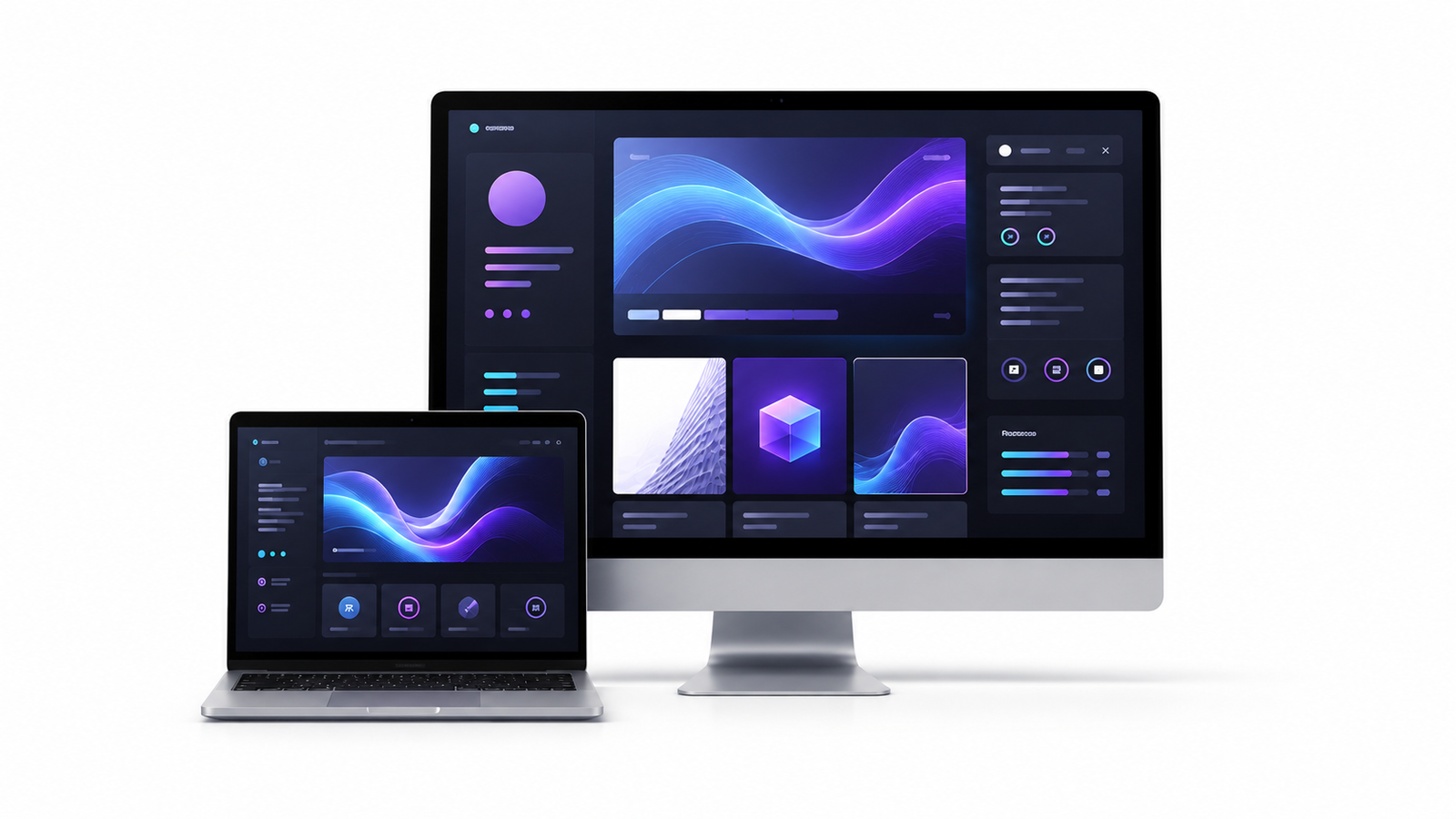 Personal Portfolio Website UI
Practical portfolio project
Personal Portfolio Website UI
Practical portfolio project
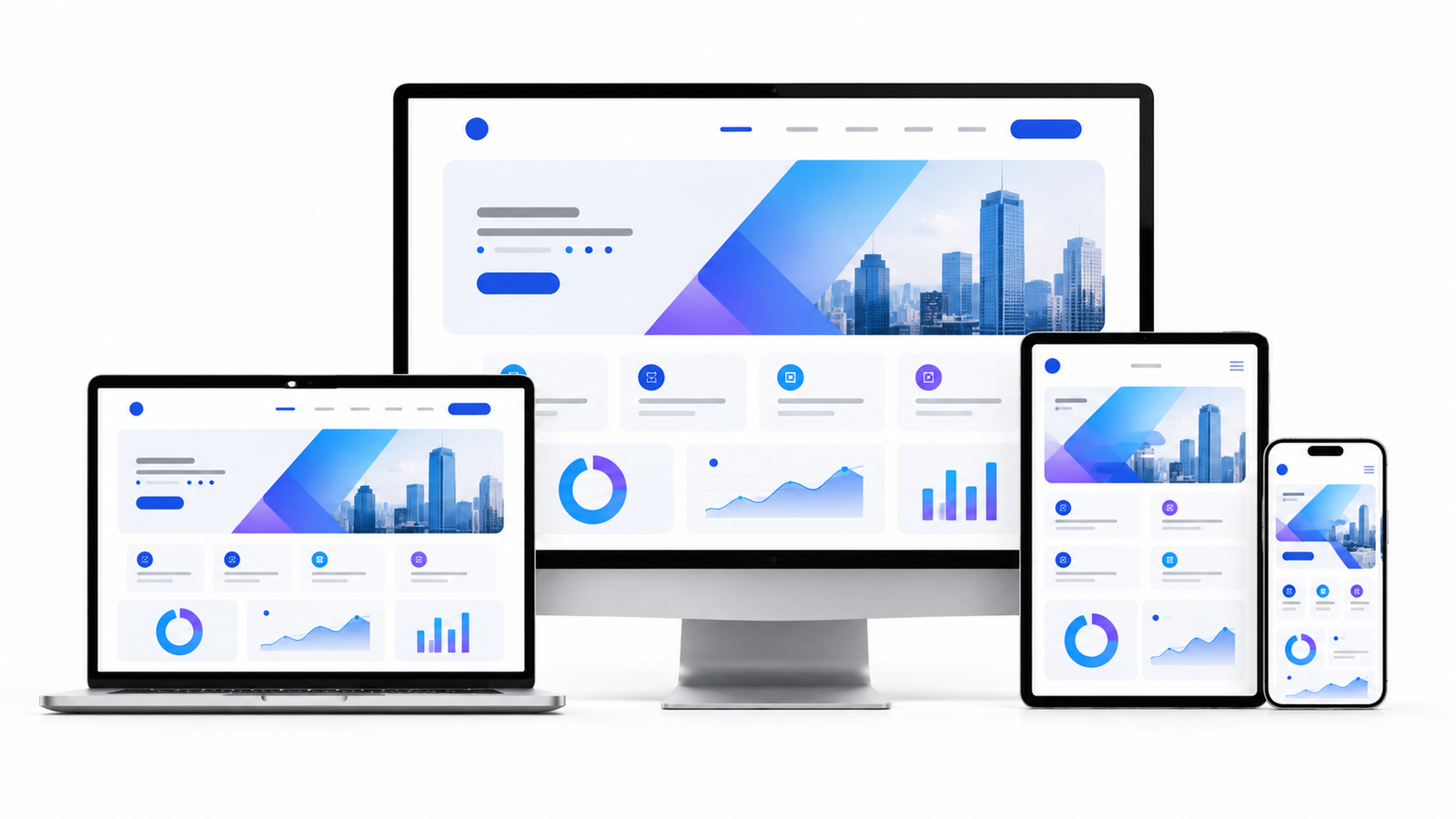 Business Landing Page Design
Practical portfolio project
Business Landing Page Design
Practical portfolio project
 Food Delivery Mobile App
Practical portfolio project
Food Delivery Mobile App
Practical portfolio project
 E-Commerce Mobile Application
Practical portfolio project
E-Commerce Mobile Application
Practical portfolio project
</>Technologies You Will Learn





Eligibility
Open to students, graduates, job seekers, working professionals, entrepreneurs and anyone interested in design. Applicants from any academic background may join. Basic computer knowledge is sufficient, and no previous design or programming experience is required.
Internship Availability
Eligible students can participate in an optional project-based UI/UX design internship after completing the required course modules and assessments. Internship availability is subject to project requirements, student performance and available positions.
Certificate Information
Students who complete the required modules, assignments, assessments and final UI/UX project will receive a Learns-Way Academy Certificate of Completion. Each certificate will contain a unique verification number that can be checked through the website.
Placement Assistance
Placement assistance includes résumé preparation, LinkedIn profile guidance, UI/UX portfolio development, Behance case study creation, design assignments, mock interviews and suitable hiring-partner introductions. Employment is not guaranteed and depends on the student’s skills, portfolio, performance and employer requirements.